
Agentic coding, on your machine.
A local coding agent for your terminal. It reads, searches, edits, and runs commands in the folder you opened, through the provider account you choose.


A coding agent that runs in your terminal.
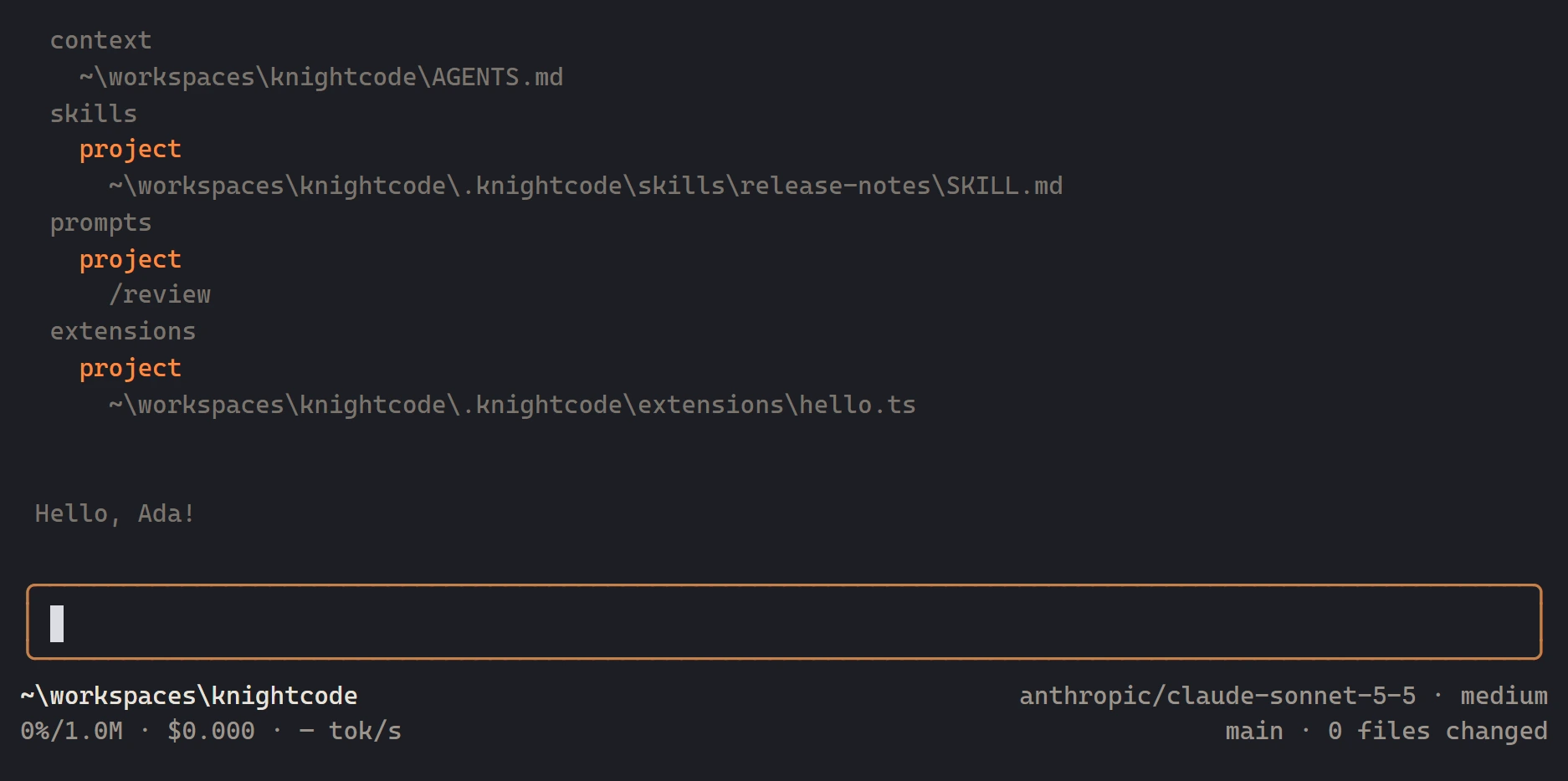
KnightCode's interface is its own terminal UI. Start it in a folder and that folder supplies files, instructions, and saved sessions. The same agent also runs in print, JSON, and RPC modes, and inside another program through the TypeScript SDK.
- Interactive terminal UI, plus print, JSON, and RPC
- Transcript, editor, and a footer for folder, model, and context
- Works in the folder you opened, on macOS, Linux, and Windows
- Node.js 22.19 or newer for the npm install
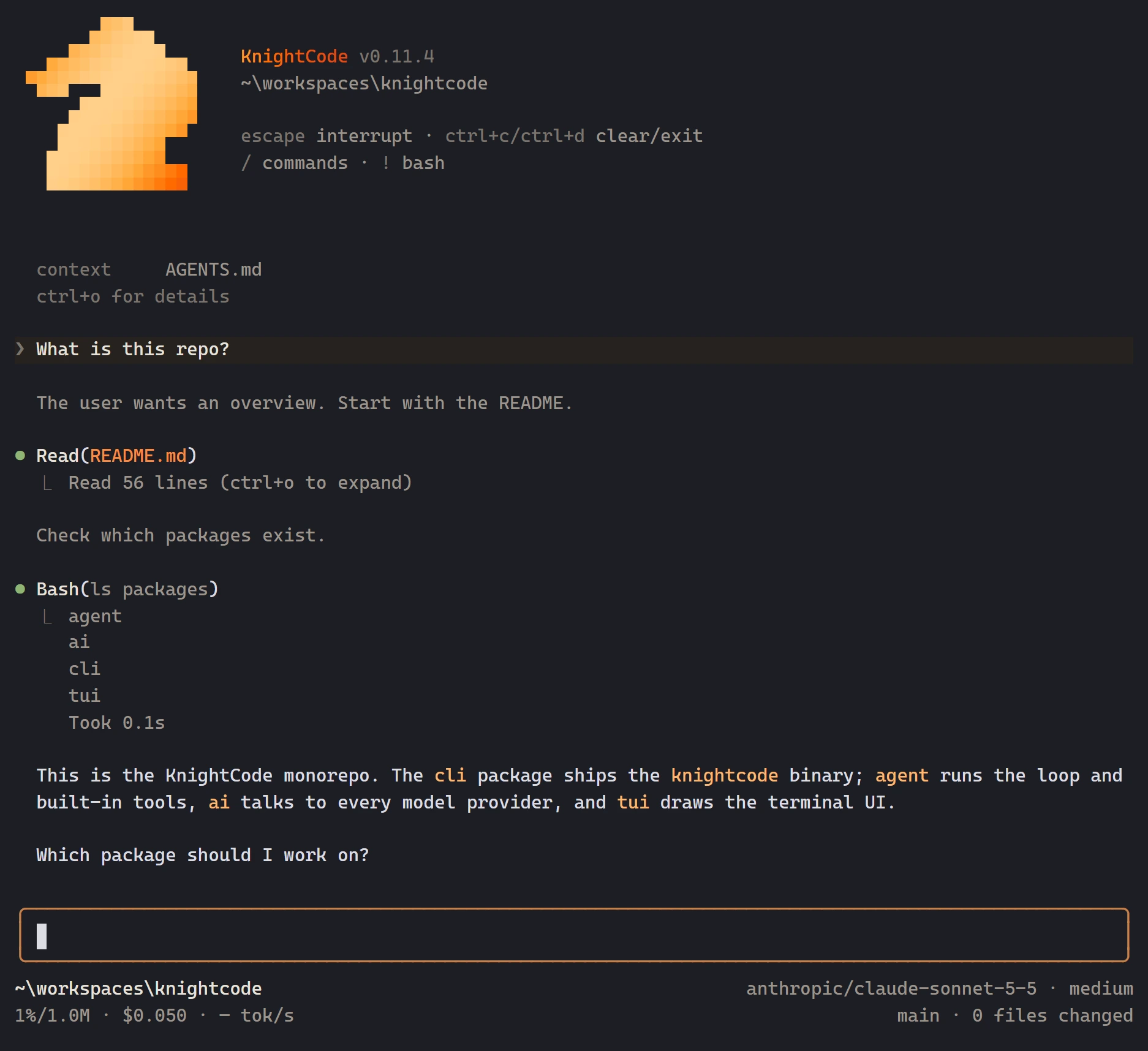
You see each tool call. They run with your permissions.
KnightCode shows every file read, search, command, and edit in the transcript. It does not ask before every tool call. It starts with read, bash, edit, and write. grep, find, and ls are built in and off until you enable them. Every tool uses the permissions of the KnightCode process.
- read, bash, edit, and write by default. grep, find, and ls on request
- Project trust loads settings, skills, and extensions. It does not sandbox tools
- An optional classifier gate can hold a risky shell command or edit
- Sandbox untrusted work. The agent is not a sandbox
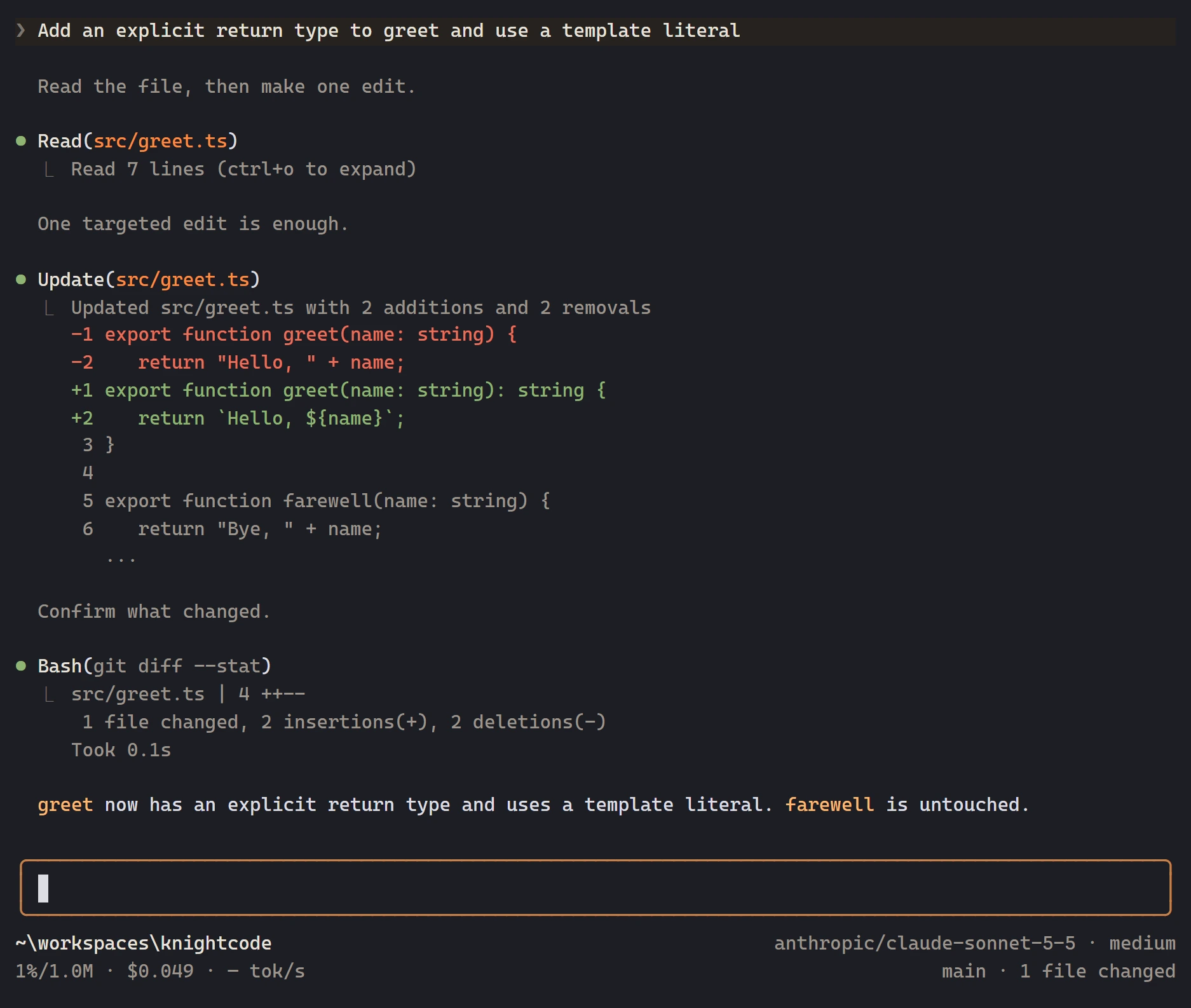
Sessions are a tree you can branch, fork, and compact.
A session is a JSONL file. Each entry points at its parent, so you can continue from an earlier message and keep the other branch. Compaction summarizes older turns for the next model request and leaves the original entries in the file.
- Resume a folder's latest session, or branch from an earlier entry
- Fork and clone copy history into a new session file
- The same session mechanism backs every mode
- Git status, diffs, logs, and checks run through bash
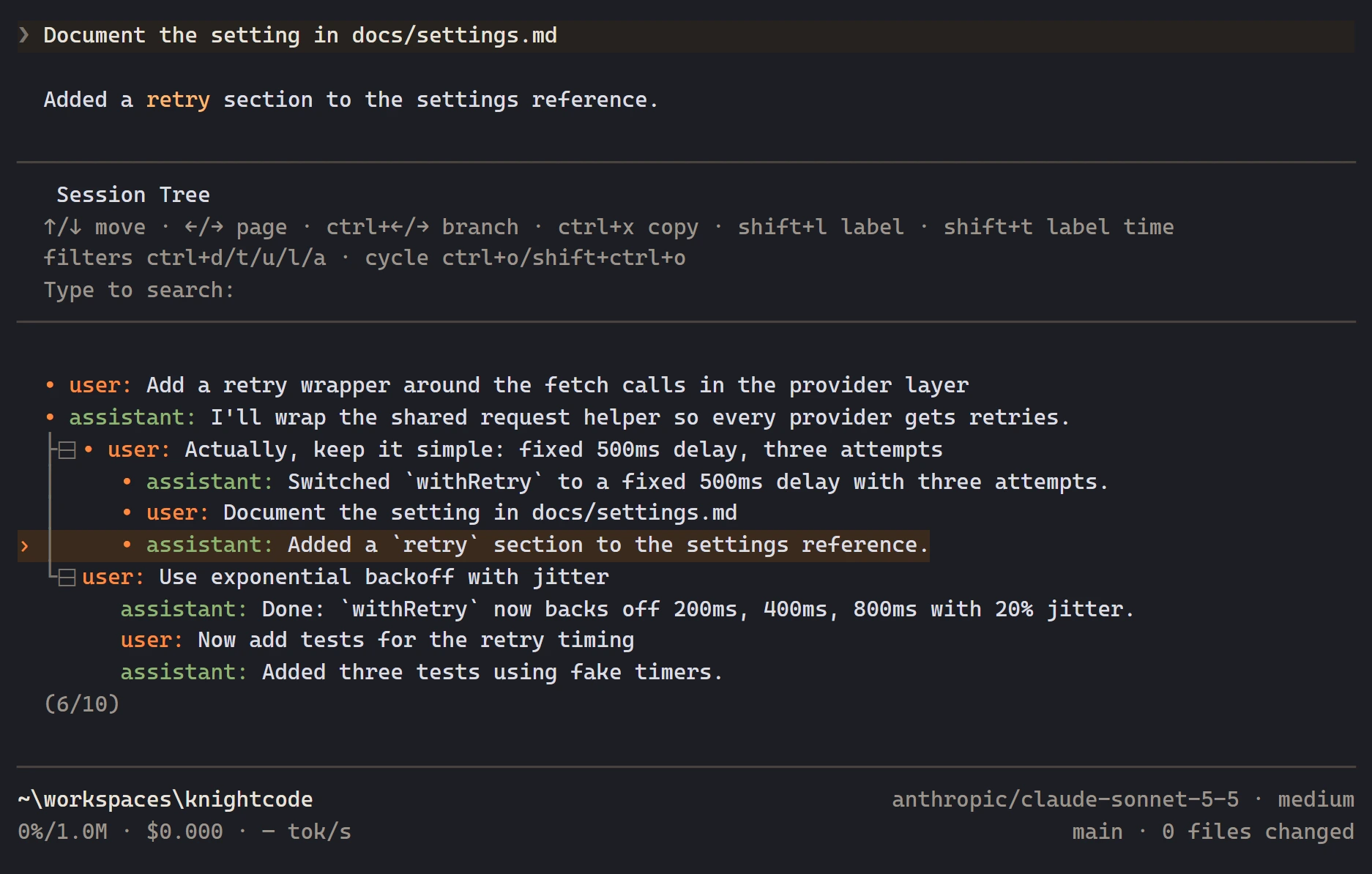
Bring the provider account you already have.
Sign in with /login or set an API key. Built-in providers include OpenRouter, Anthropic, OpenAI, Google, xAI, Groq, GitHub Copilot, and Amazon Bedrock, plus llama.cpp and other OpenAI-compatible servers. Requests go to the provider you selected.
- API keys, OAuth subscriptions, and ambient cloud credentials
- /model picks a model. /thinking sets the reasoning level
- Local GGUF files through llama.cpp, or a compatible endpoint in models.json
- OpenRouter is one route, alongside direct providers
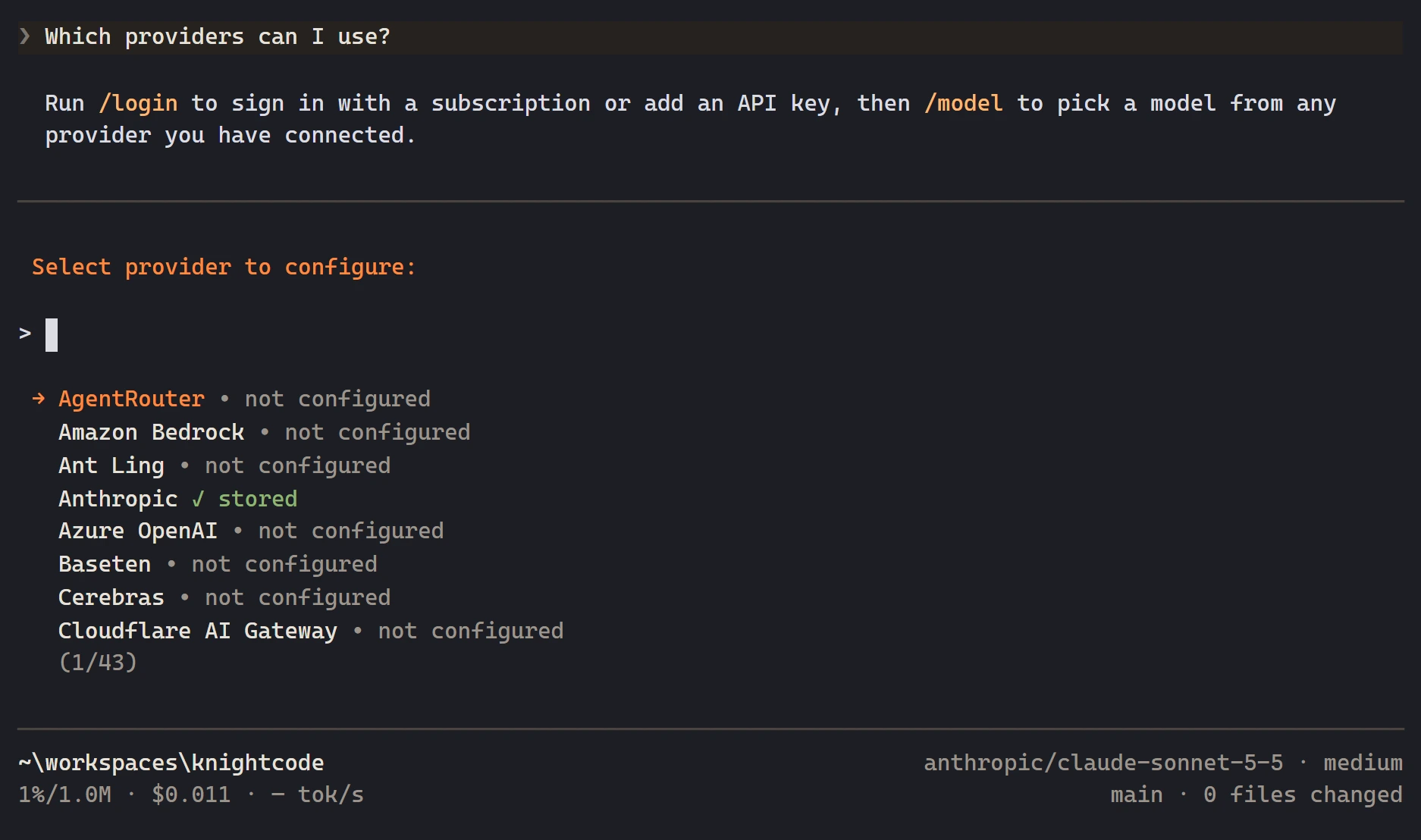
Skills, extensions, and packages sit next to the repo.
Extensions are TypeScript modules loaded into the KnightCode process. They can add tools, commands, providers, and UI. Skills are instructions loaded when the model needs them. Packages install those resources from npm or git. Subagents ship as an example extension.
- Project resources under .knightcode load after you trust the folder
- Prompt templates, themes, and skills
- npm and git packages, tried once with -e or saved in settings
- The measured system-prompt floor is about 1,100 tokens
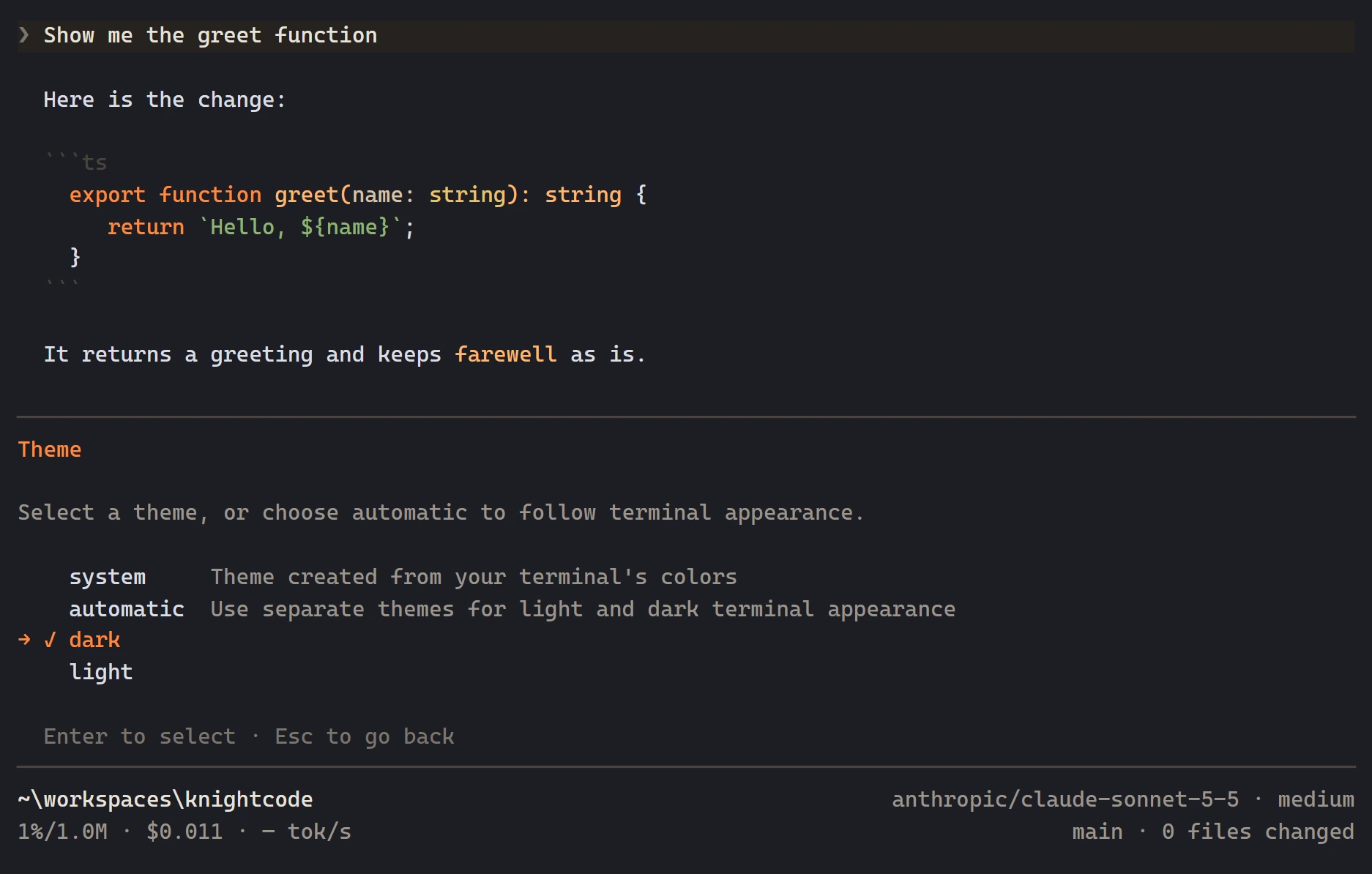
The terminal's colors, or a palette of your own.
The default theme is system. It builds KnightCode's colors from the terminal's foreground, background, and ANSI colors. dark and light are bundled. A JSON file can add another palette.
- system, dark, and light
- One theme, or a light/dark pair that follows the terminal
- Custom themes from JSON, including themes shipped in a package
- Change the theme from /settings
Practical pieces for real repo work.
The terminal UI is @knightcode/tui. The same agent also runs in print, JSON, and RPC modes.
API keys, OAuth, and local endpoints. OpenRouter is one provider, alongside Anthropic, OpenAI, Google, xAI, and others.
read, bash, edit, and write by default. grep, find, and ls on request. They run with the permissions of the KnightCode process.
Skills, prompts, themes, and settings live under .knightcode and load after you trust the folder.
Sessions are JSONL. Branch from an earlier message, or fork and clone history into a new file.
system follows your terminal colors. dark and light are bundled, and a JSON file can add another palette.
TypeScript modules can add tools, commands, providers, and UI. Packages install them from npm or git.
bash is the shell tool. Status, diffs, logs, and checks run as commands you can read in the transcript.
Trust decides whether a folder's settings, skills, and extensions load. It does not sandbox tool calls.
Each read, search, edit, and command is shown as it runs. KnightCode does not ask before every tool call.
A summary entry replaces older turns in the next model request. The original entries stay in the session.
/model, /thinking, /login, and /tools cover the model, reasoning level, credentials, and optional tools.
Install the CLI. Open your repo. Start a session.
KnightCode is installed from npm. There is no KnightCode account: install the command, sign in to a provider, and run it in the folder you want to work on.
Node.js 22.19 or newer. One global install exposes knightcode on macOS, Linux, and Windows. Lifecycle scripts are not required.
Run /login, or set an API key in the environment. OpenRouter, Anthropic, OpenAI, Google, xAI, and local servers are all built in.
File reads, searches, edits, and commands show up as they run. They use your operating-system permissions.
Issues, source, and release notes are on GitHub.
Questions, answered.
Still curious? Open an issue on GitHub and include your OS, command, and model configuration.